Print and scan from an Android device
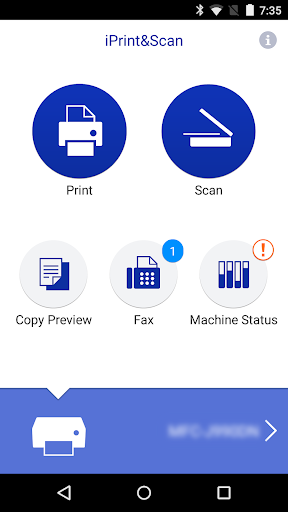
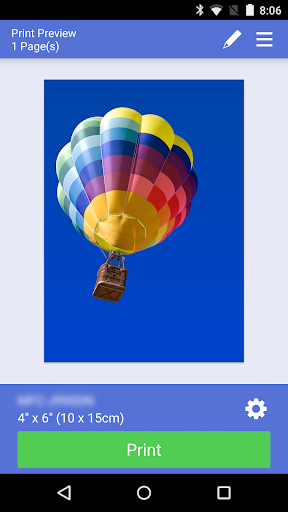
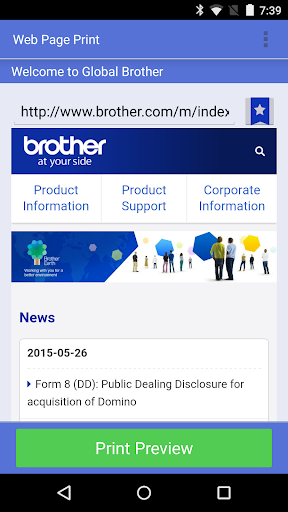
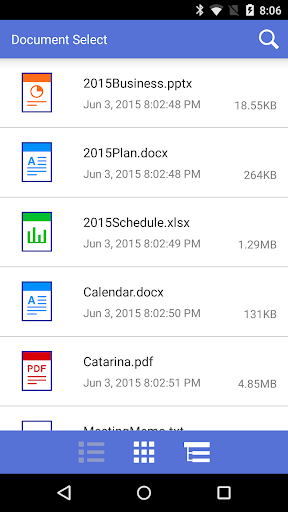
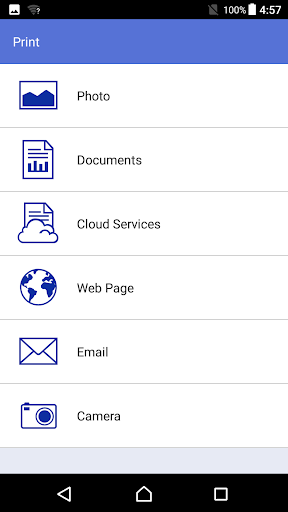
Brother iPrint&Scan connects an Android phone or tablet to a compatible Brother printer or all-in-one over a local wireless network. It suits people who want to print documents and photos or scan paper straight to their device without routing the task through a computer. The app can handle common document types, including PDF and Office files, as well as photos and web pages.
Scans, cloud files and printer options
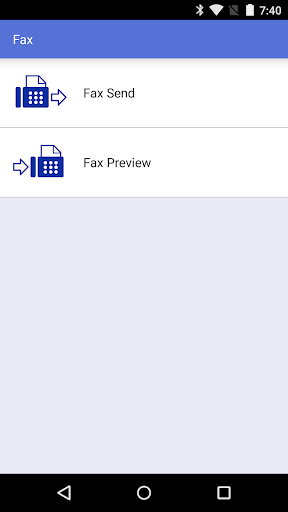
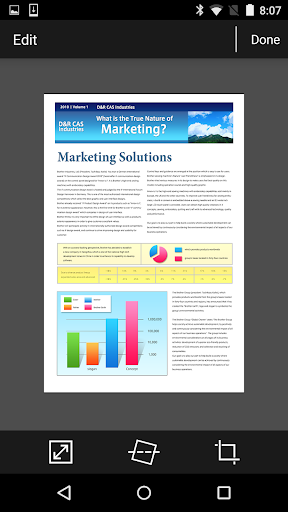
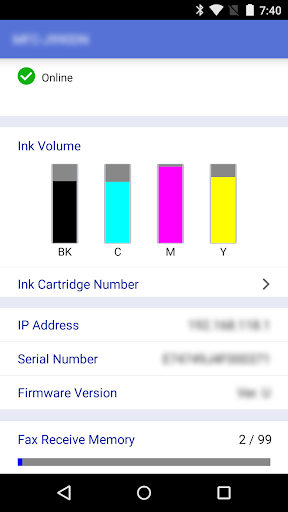
Scans can be saved on the device or sent by email as PDF or JPEG files. The app also offers printing from Dropbox, OneDrive and Evernote. On some newer machines, additional options include image adjustments, fax sending and previews for incoming faxes or copies. Printer status, such as ink or toner levels and error messages, may also be available. Which of these tools appear depends on the connected model.
Check compatibility first
The app searches the local wireless network for supported Brother devices, but not every printer or feature is compatible. Brother’s model support information is the place to check before relying on a particular function. NFC printing or scanning is another conditional option: both the phone and the machine need NFC support, and some NFC-equipped phones may still not work with it. Fax sending requests access to the phone’s contacts.
What the listing suggests
Brother Industries, Ltd. publishes the app in Tools. Its 10,000,000+ installs show that it serves a large pool of Brother device owners, though that figure does not say whether a particular printer will work. The listing’s 2.97 rating from 107,006 reviews is a mixed signal rather than a compatibility guide. If your machine is supported, this is a practical companion for routine print and scan jobs; its usefulness depends heavily on the hardware you have.